2.19 Keypad
Overview
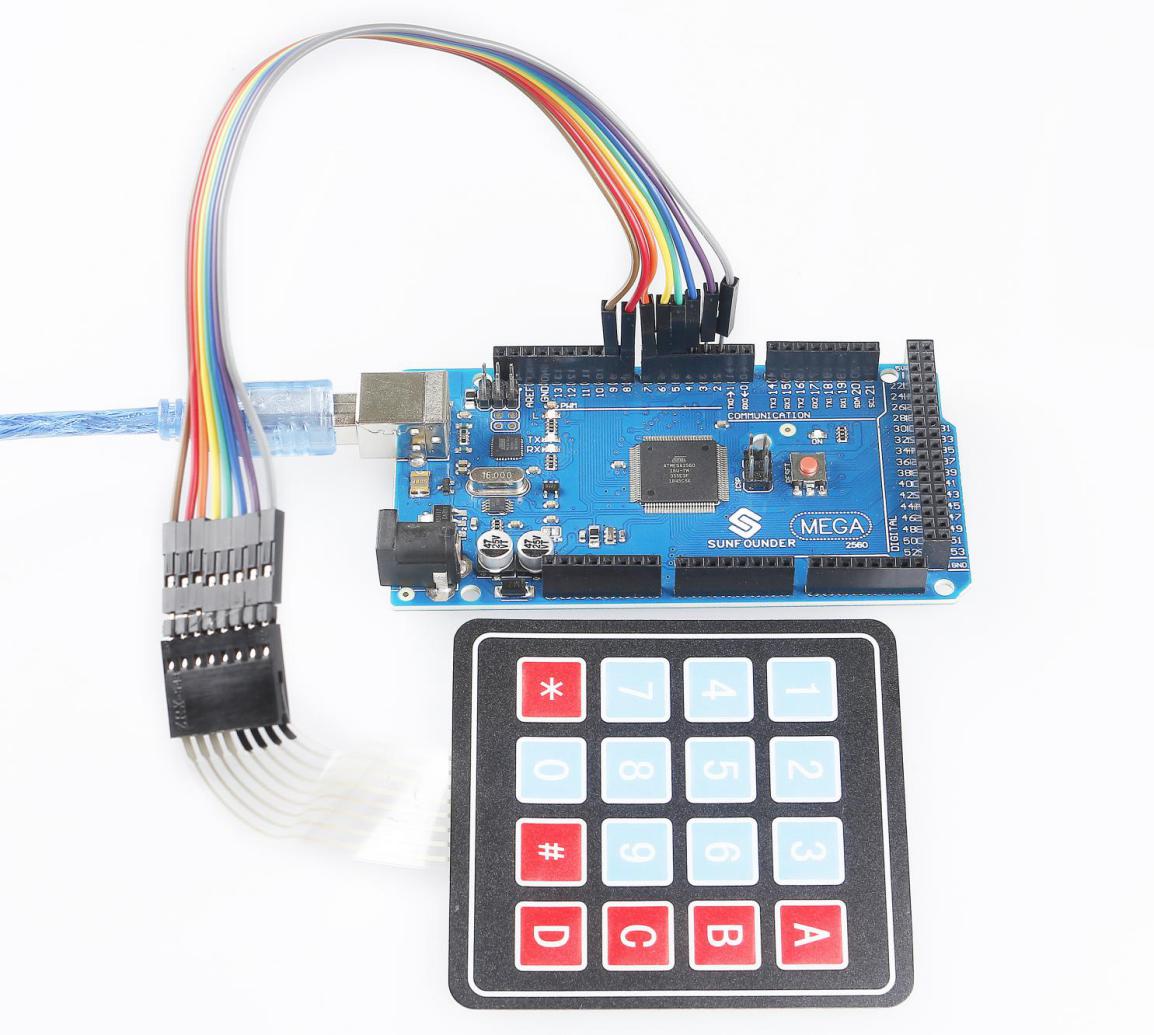
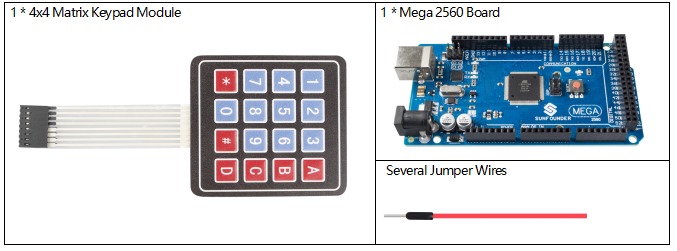
In this lesson, you will learn to use Keypad. Keypad can be applied into various kinds of devices, including mobile phone, fax machine, microwave oven and so on. It is commonly used in user input.
Fritzing Circuit
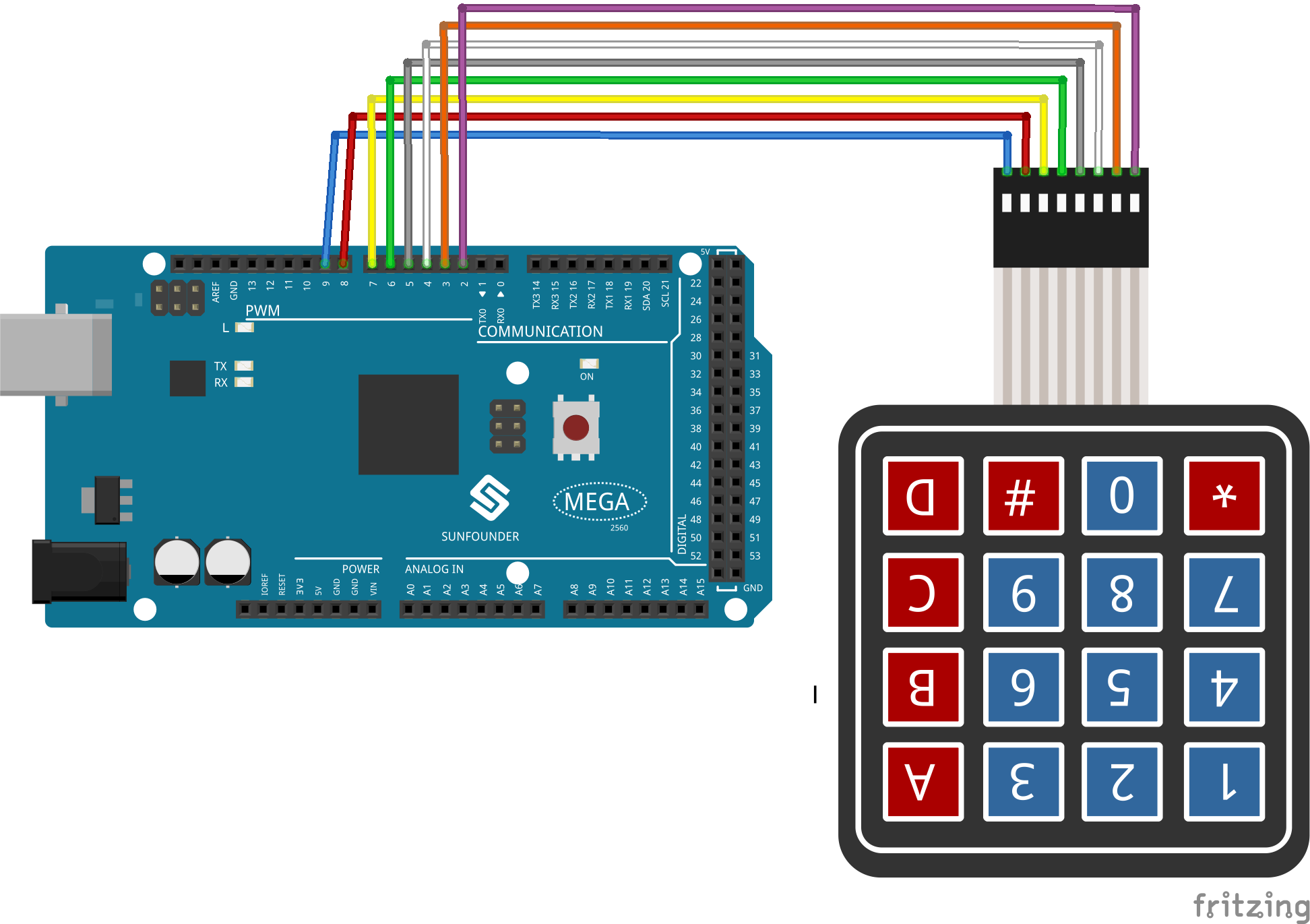
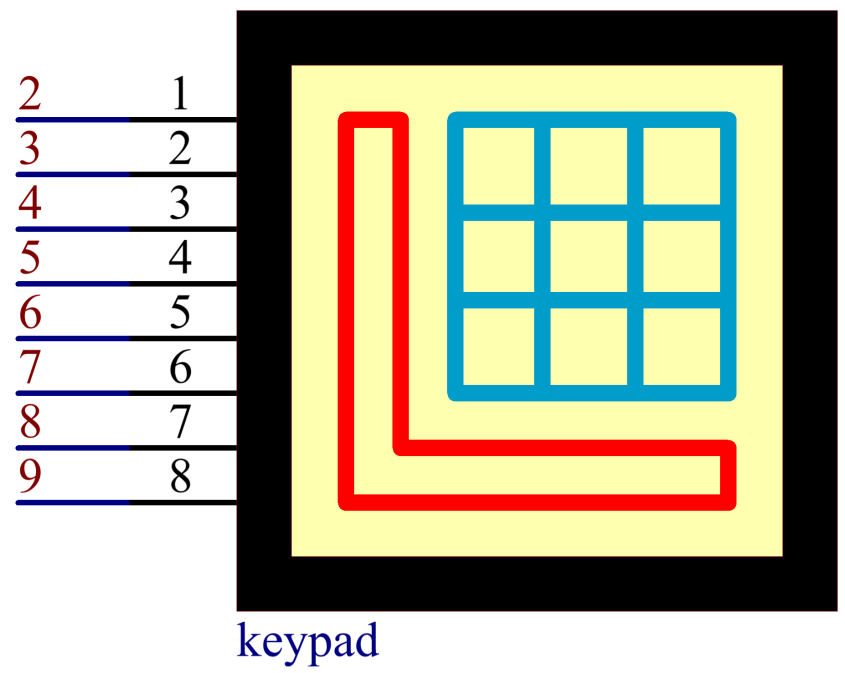
In this example, we extend the pins 1~8 of Keypad to connect to the digital pins 2~9.
Schematic Diagram
Code
Σημείωση
You can open the file
2.19_keypad.inounder the path ofsunfounder_vincent_kit_for_arduino\code\2.19_keypaddirectly.Or copy this code into Arduino IDE 1/2.
Then Upload the Code to the board.
Please make sure you have added the library called
Keypad, detailed tutorials refer to Add Libraries.
After uploading the codes to the Mega2560 board, on the serial monitor, you can see the value of the key currently pressed on the Keypad.
Code Analysis
By calling the Keypad.h library, you can easily use Keypad.
#include <Keypad.h>
Library Functions:
Keypad(char *userKeymap, byte *row, byte *col, byte numRows, byte numCols)
Initializes the internal keymap to be equal to userKeymap.
userKeymap: The symbols on the buttons of the keypads.row, col: Pin configuration.numRows, numCols: Keypad sizes.
char getKey()
Returns the key that is pressed, if any. This function is non-blocking.
Phenomenon Picture